Daily iPhone wallpapers
3 fresh wallpapers every morning, picked just for you.
 Free on iPhone
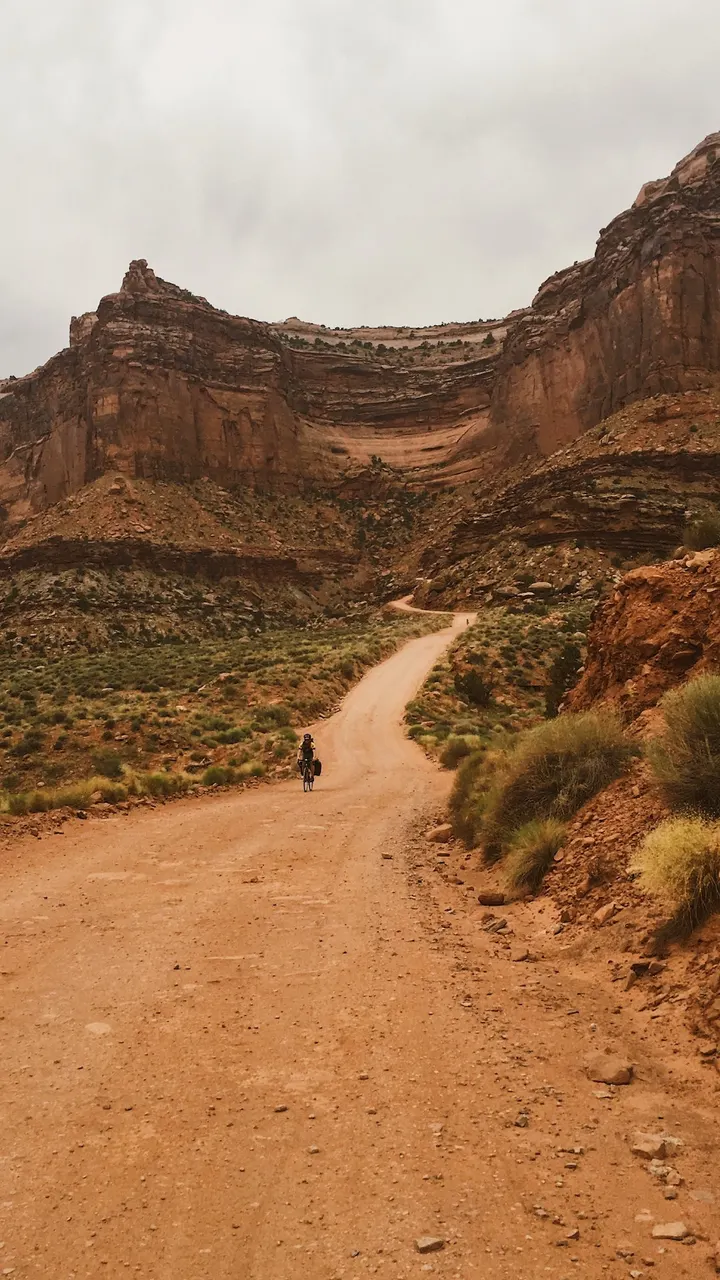


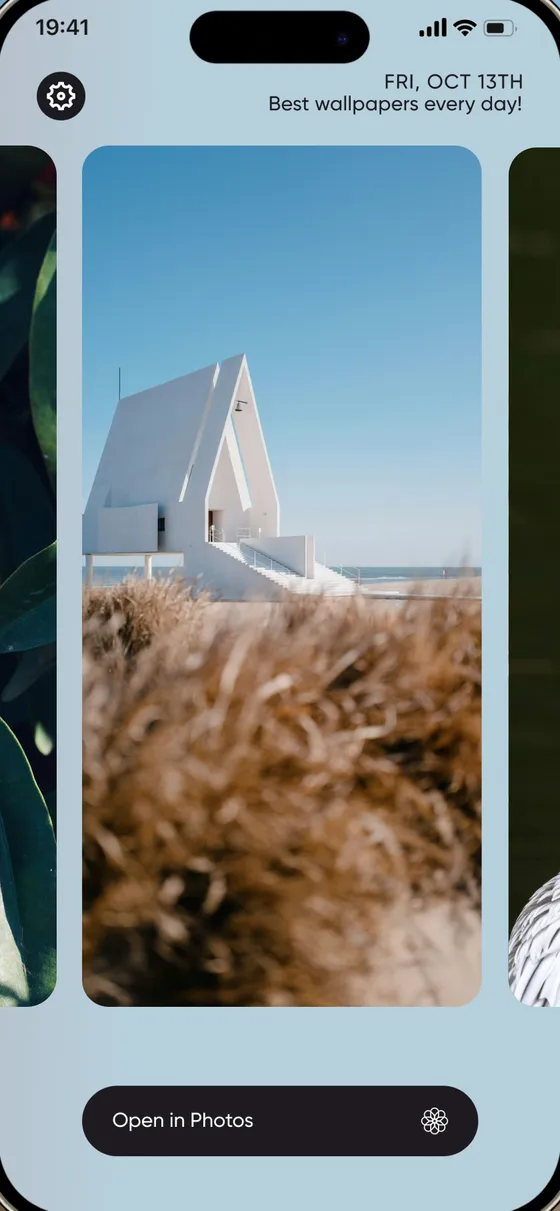
simply 3 new wallpapers every day
No giant galleries, no vertigo trying to find the right one. We choose 3 wallpapers for you every day.
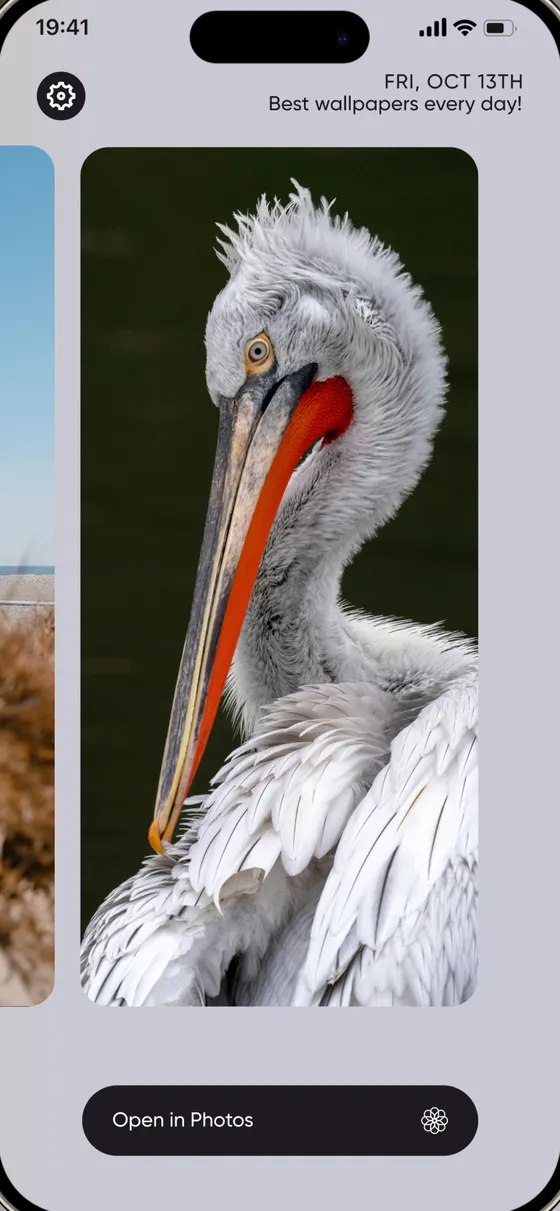
unique wallpapers for you
Your friends get a different collection. Everyone's daily set is shuffled differently.
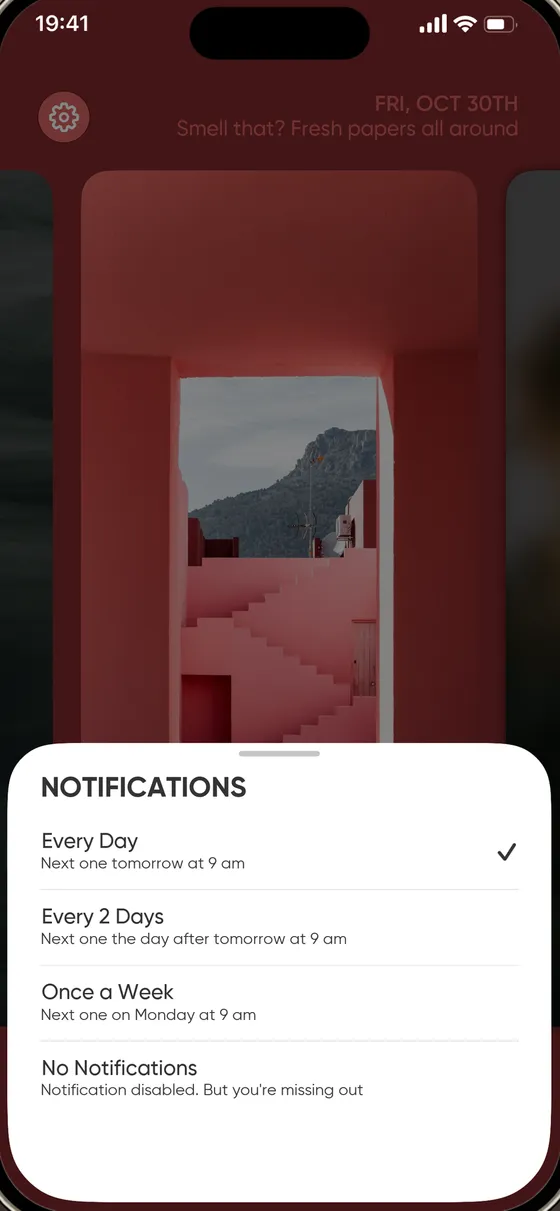
customize notifications to suit your schedule
Every day, every two days or once a week, at 9 am. Two taps, so you never miss a new set.
Make your lock screen yours
Pick one of today's three and set it as your lock screen or home screen wallpaper.



An iPhone wallpaper app without the scrolling
Most wallpaper apps hand you thousands of pictures and leave you to dig. orna does the picking, so you can spend two seconds on it and get on with your day.
Hand-picked and aesthetic
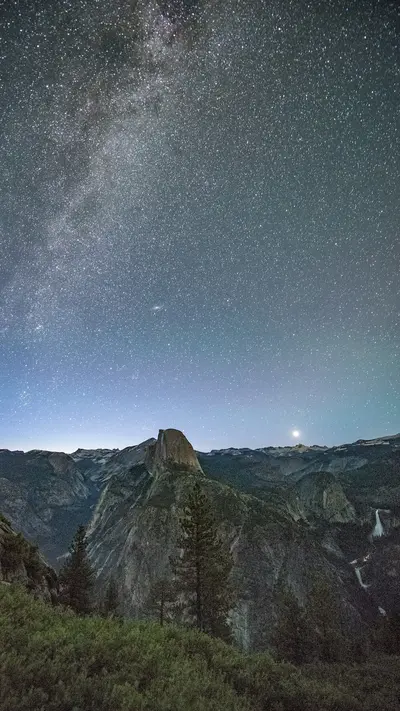
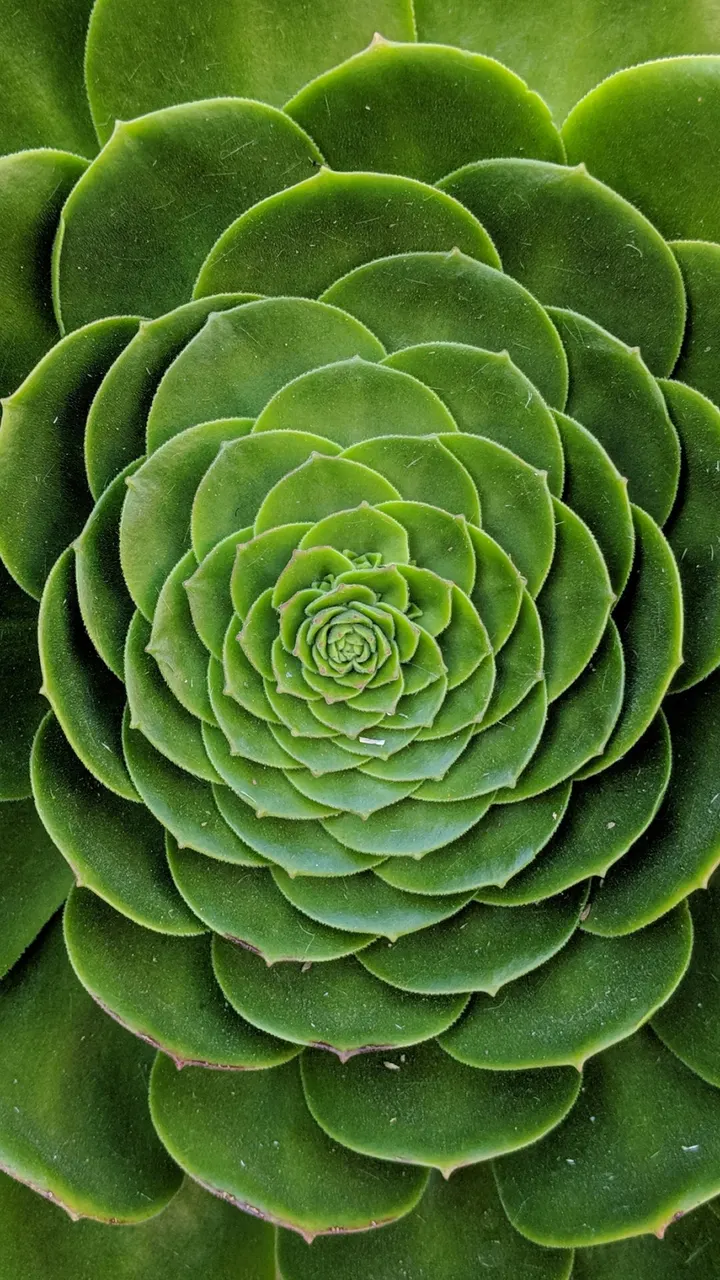
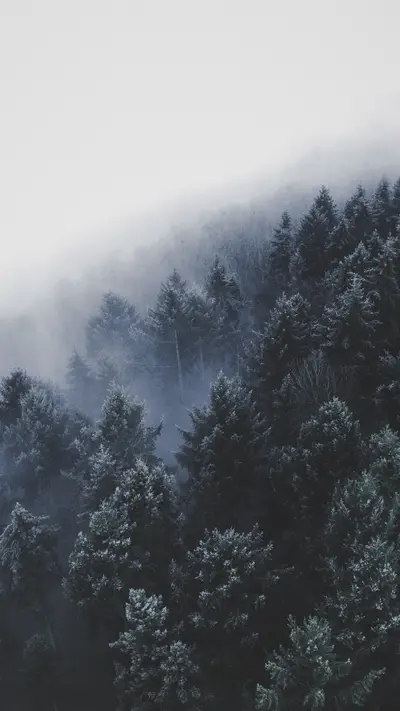
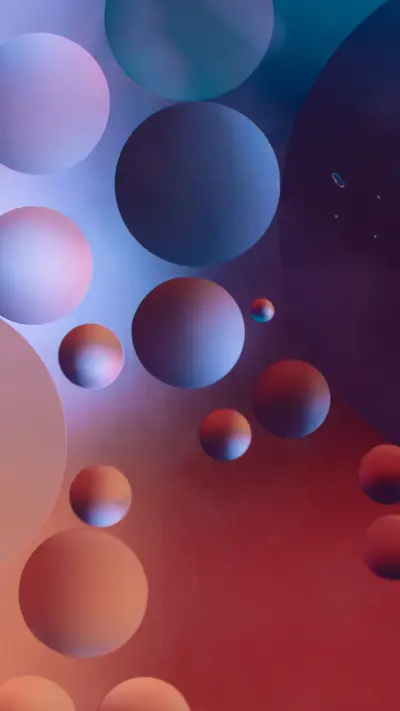
Photography and design chosen for tall phone screens: nature, architecture, moody skies, minimal and abstract.
Preview before you save
See each wallpaper full screen first. When you love one, one tap saves it to Photos.
Free, with no sign-up
No account to create. Free users see the occasional ad; premium is optional and simply removes them.
A taste of what lands on your phone
A few of the wallpapers orna hands out. See more iPhone wallpapers.

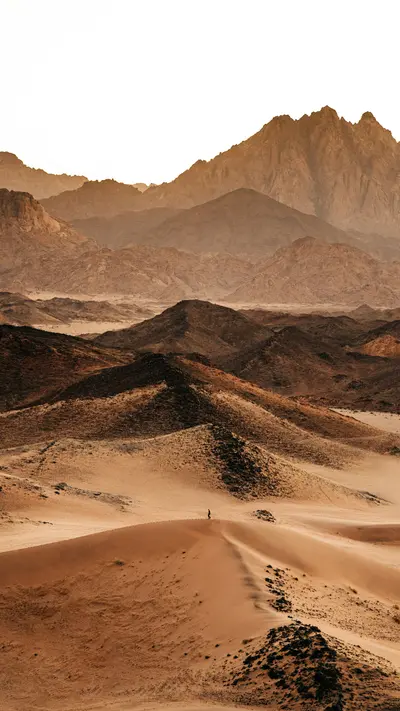
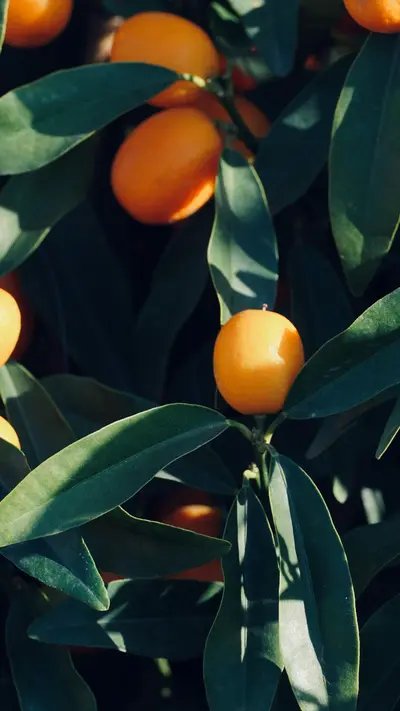

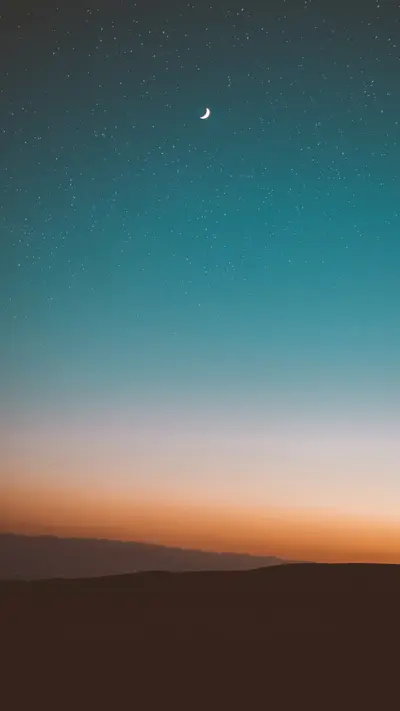
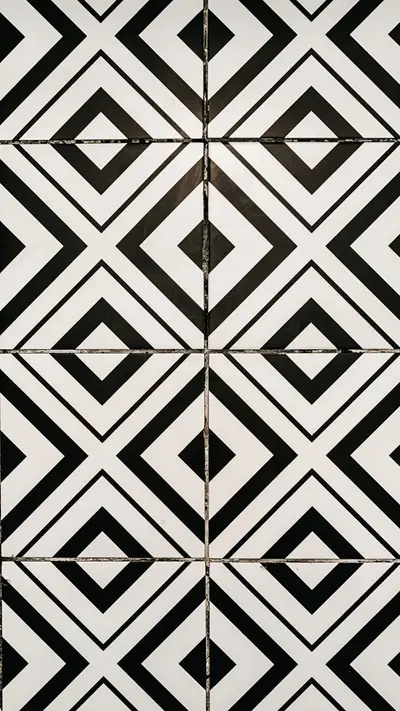
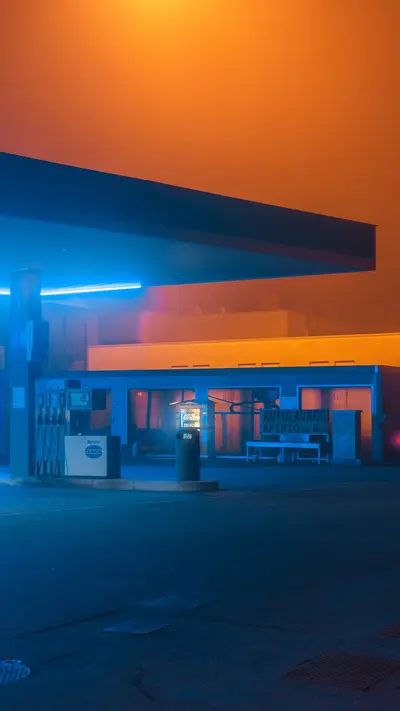
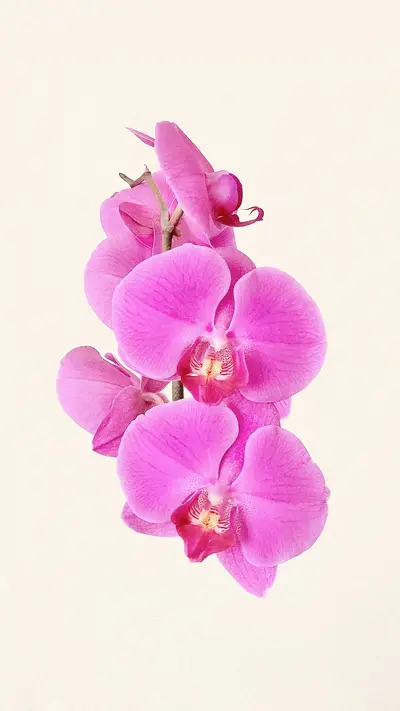
Photos by Ben Abo, Christian Grab, Derick Mckinney, Eberhard Grossgasteiger, James Donaldson, Juniperphoton, Meina Yin, Mohammad Alizade, Neom, Ouael Ben Salah, Urip Dunker, Zoltan Tasi, via Unsplash.
Questions
What is orna?
orna is an iPhone app that picks 3 new wallpapers for you every day, so you never have to scroll through a giant gallery. Open it, preview the three, and save the one you like to Photos.
Is orna free?
Yes. orna is free to download and use. Free users see an occasional ad when they save a wallpaper. The optional orna subscription, about the price of a coffee a month, removes the ads and keeps the app going.
How do I set a wallpaper on my iPhone with orna?
Open orna, tap a wallpaper to preview it, then tap Open in Photos. In Photos, tap the share button and choose Use as Wallpaper to set it as your lock screen, home screen, or both.
Can orna change my iPhone wallpaper automatically?
iOS does not let apps swap your wallpaper in the background, so orna does the next best thing: it sends a reminder when your new set is ready (every day, every two days or once a week, at 9 am). You choose which of the three to use, in two taps.
Will I get the same wallpapers as everyone else?
No. Every install gets its own shuffled order, so the set you wake up to is different from the one your friends get, and you will not see a repeat for months.
How do the notifications work?
In the app's settings choose Every Day, Every 2 Days, Once a Week, or No Notifications. Reminders arrive at 9 am. No spam, and you can turn them off any time.

 orna
Download on the App Store
Free for iPhone. Scan the code with your camera or tap the button.